See every feature in action
A complete visual walkthrough — installer wizard, license activation, Dark & Light themes, built-in Email Composer, live terminal, and intelligent follow-up campaigns.
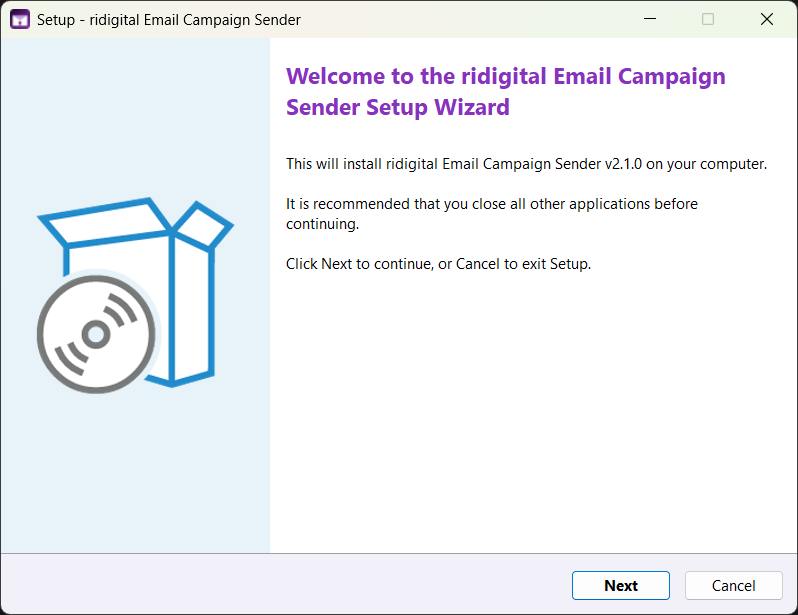
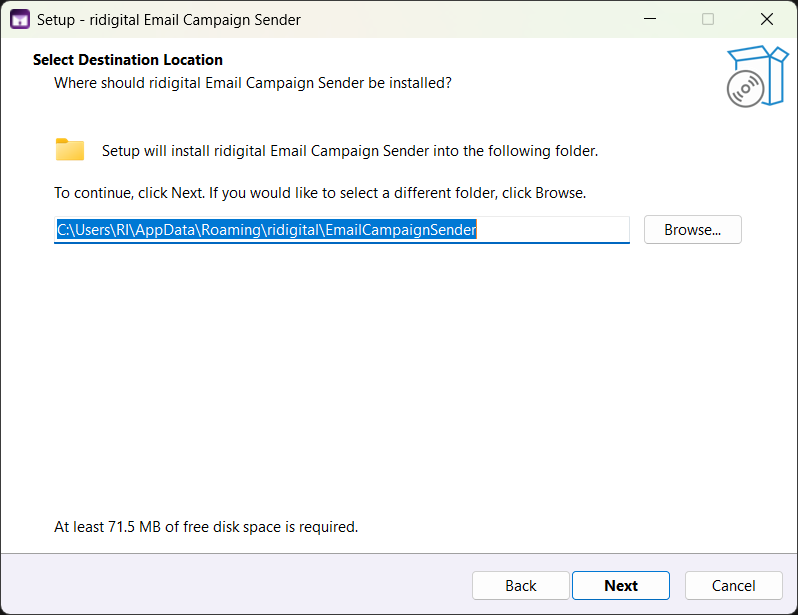
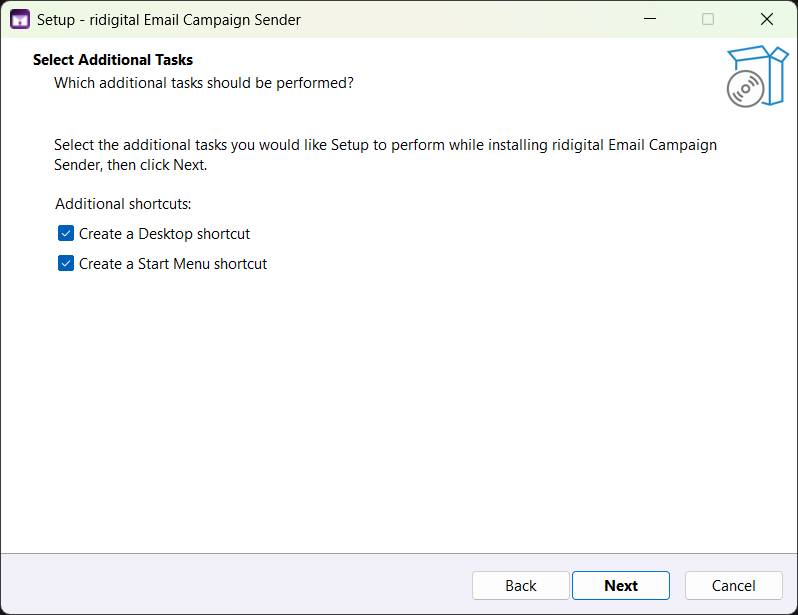
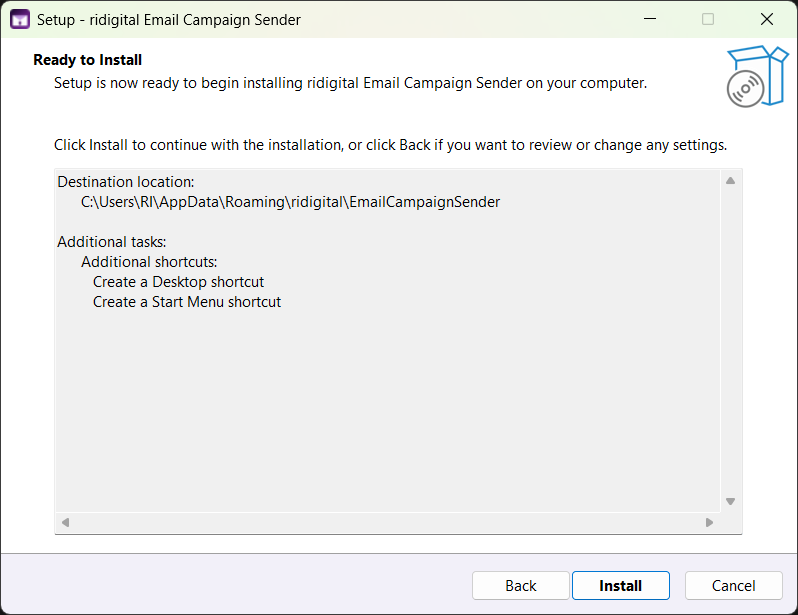
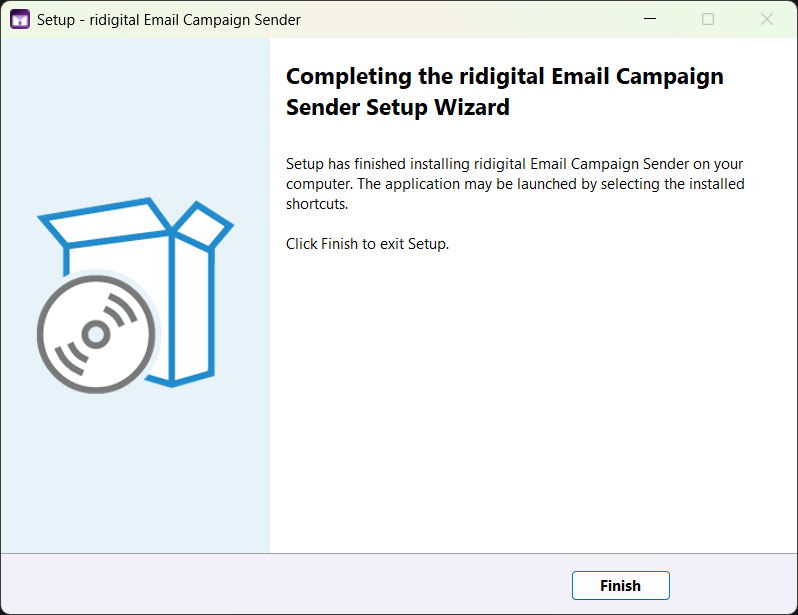
Installing the Windows App
Installs in under a minute — no Python, no terminal, no technical knowledge needed. Standard Windows installer with Desktop and Start Menu shortcuts created automatically.
Activating your license
The activation screen appears automatically on first launch. Copy your Machine ID, submit it at the activation page, receive your key by email, paste it in. Done in under a minute — identical on both editions.
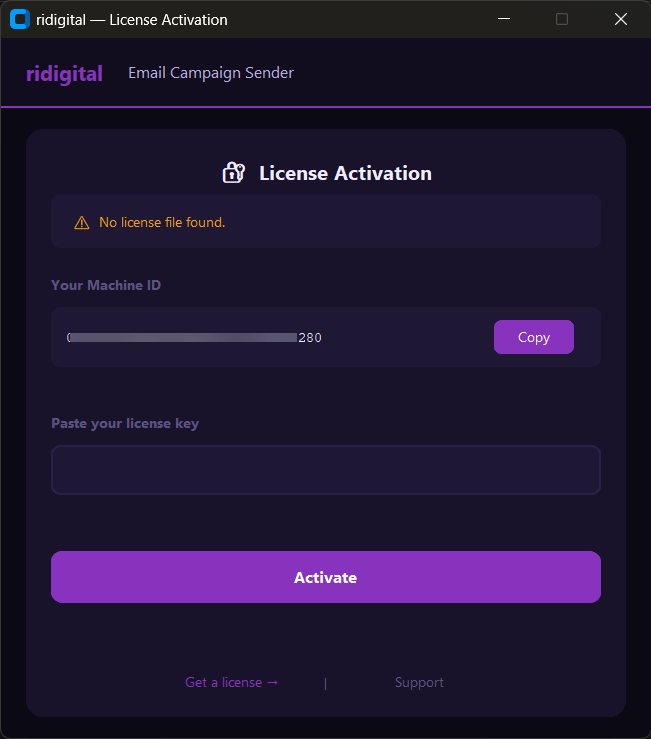
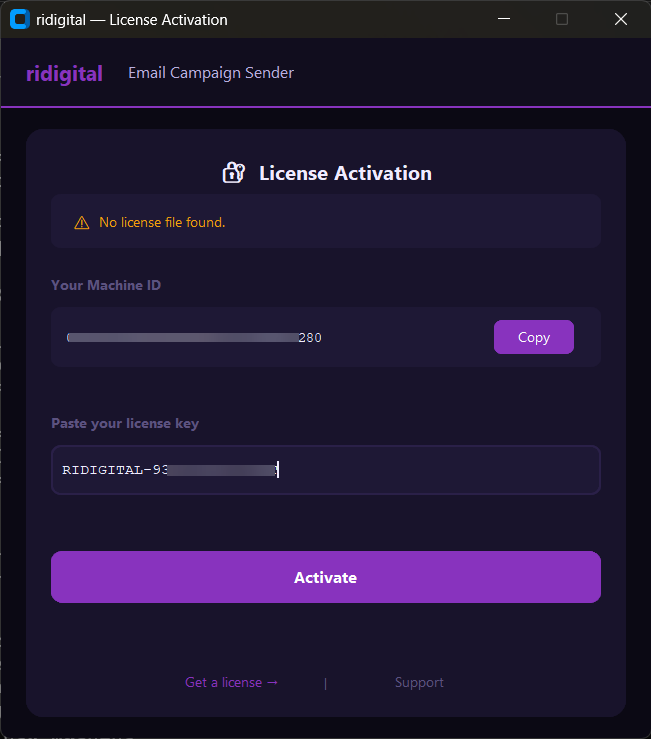
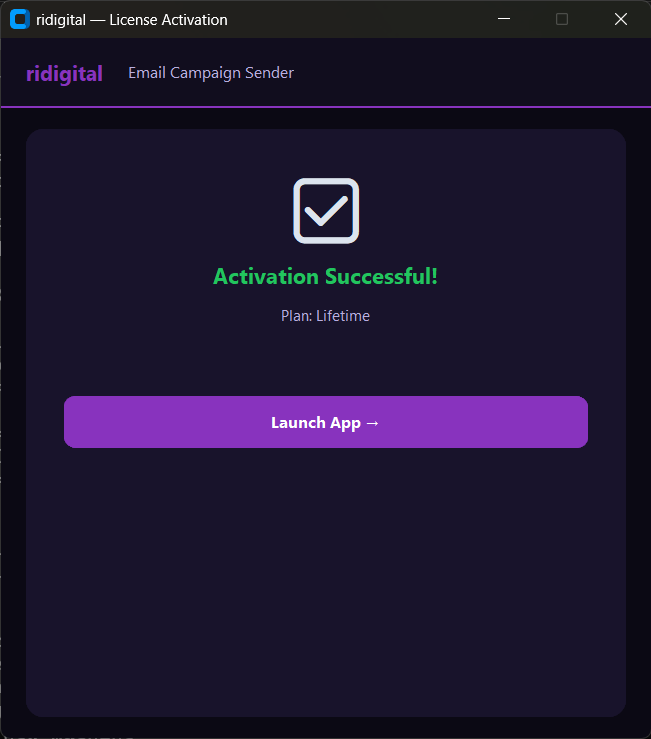
Activation UI shown above is identical on Windows App v2.1.0 and Python GUI v2.1.0 — same screens, same flow, every platform
Dark & Light themes
Switch instantly with the sun/moon icon in the header. Both themes are available on Windows, Mac, and Linux. Preference saved for next launch.
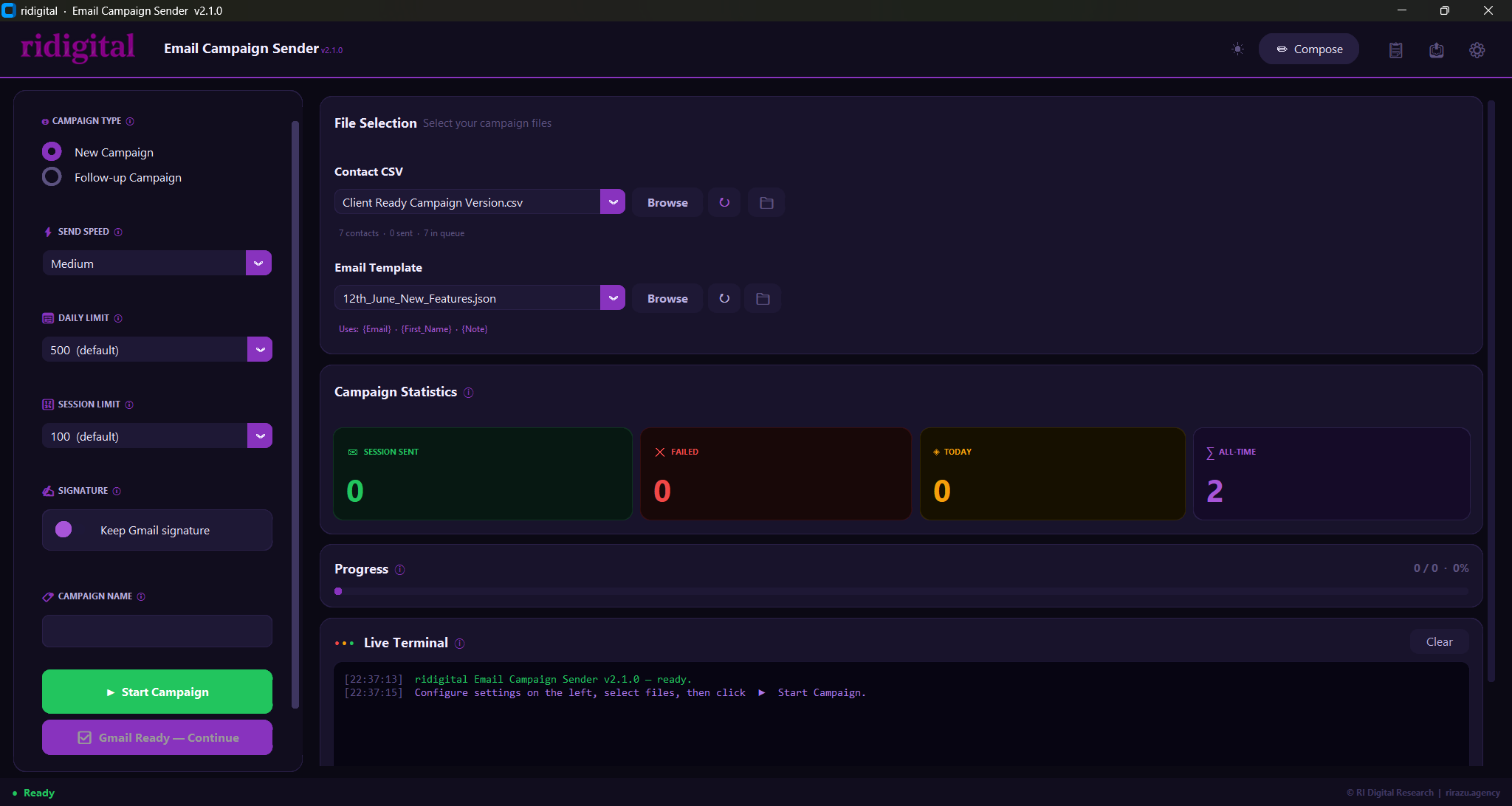
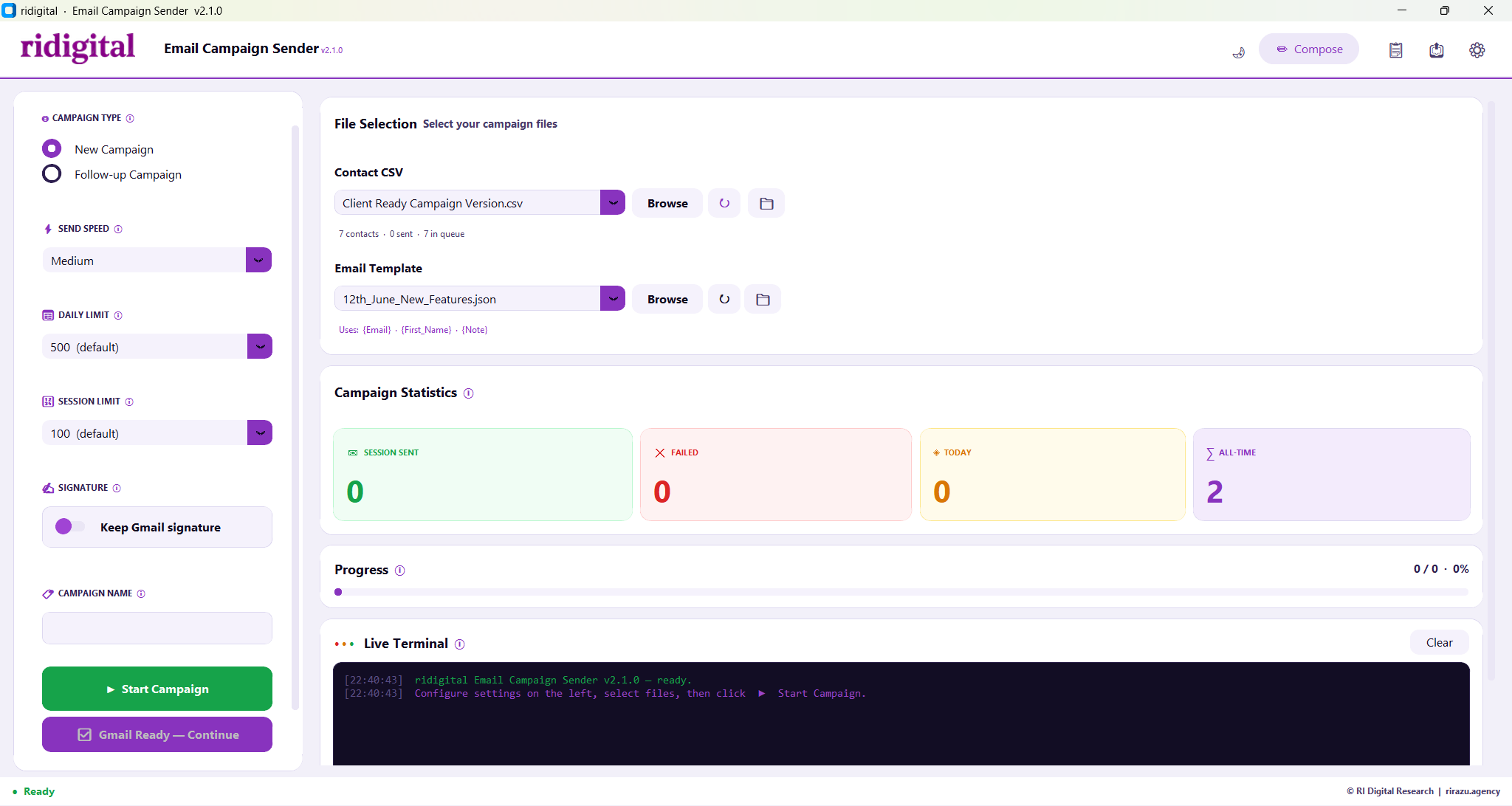
Every control, both themes
Six controls in the left panel — all point-and-click. Zero typing required during a campaign run. Jump to any block below.
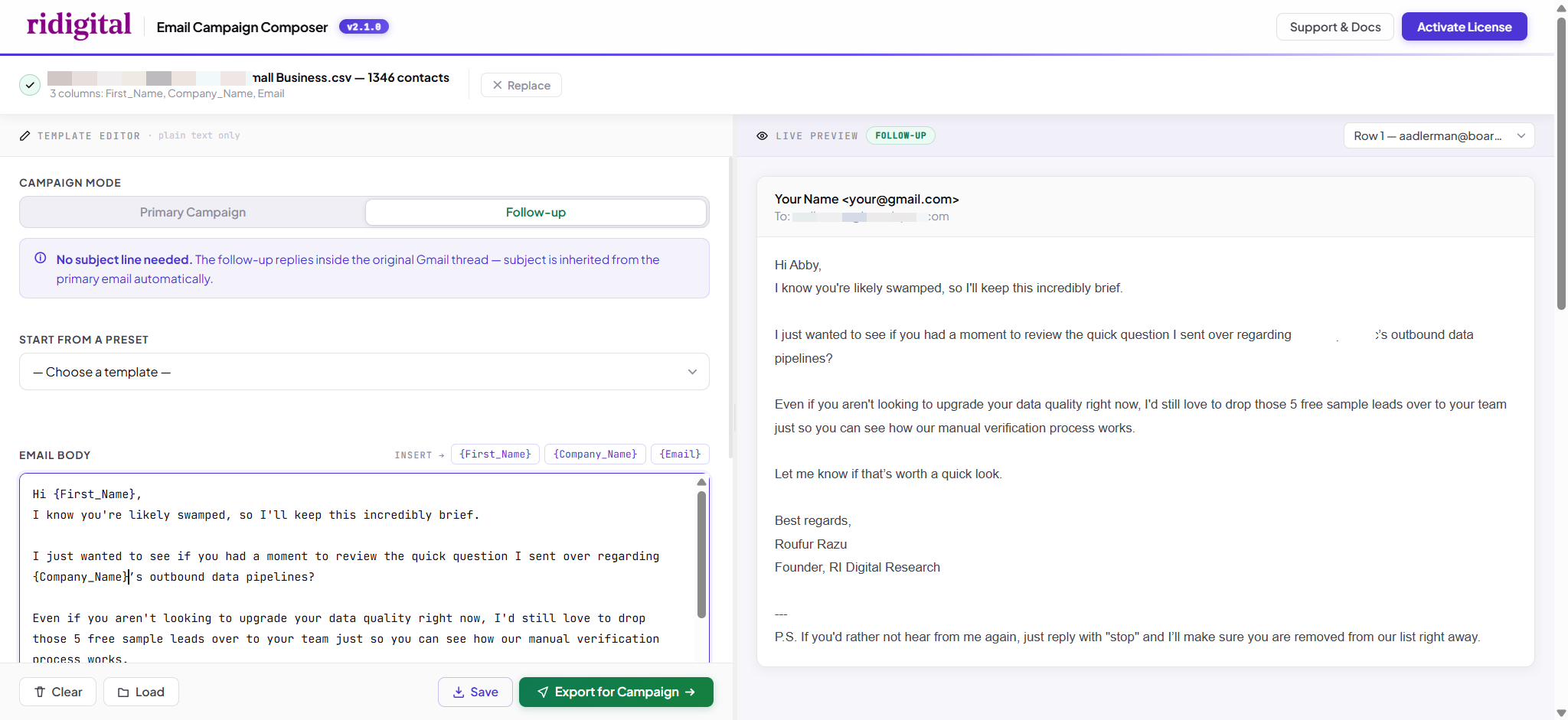
Design HTML emails visually — no coding
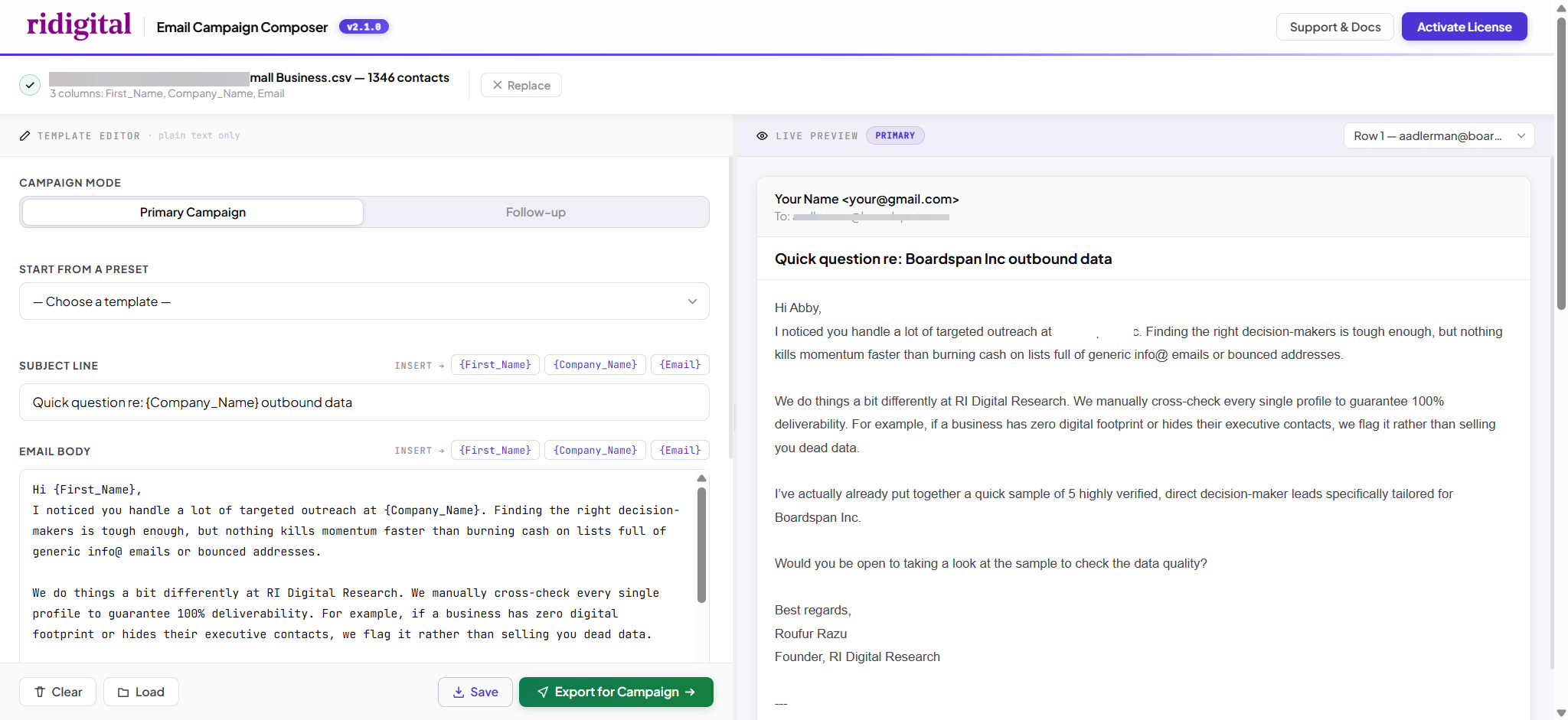
Click Compose in the app header. Live preview updates as you type using real contacts from your CSV. Export directly as a template — no external tools needed.
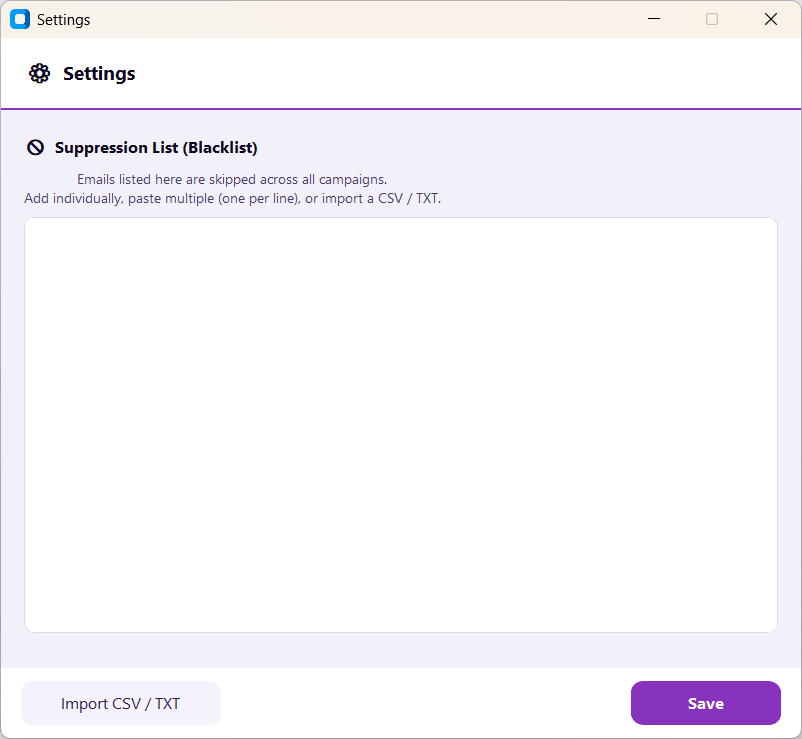
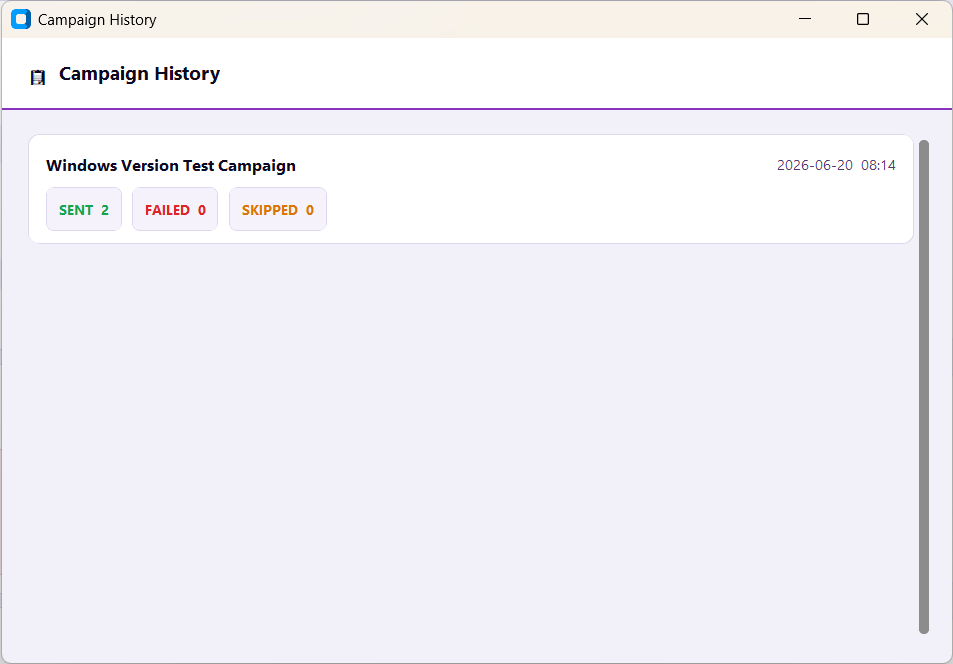
Suppression list & campaign history
Built-in suppression list keeps opted-out contacts safe across every campaign. Full history with sent, failed, and skipped counts — nothing gets lost. Click either thumbnail to view full size.
Intelligent follow-up campaigns
Follow-ups reply inside the original Gmail thread — not a new email. The app checks every thread for replies and skips anyone who already responded. Here's exactly what that looks like in Gmail.
Ready to start sending?
One payment, lifetime use. $49 via Stripe. Download immediately after purchase. 30-day money-back guarantee — no questions asked.
Buy Now via Stripe — $49 →Already purchased? Activate your license →